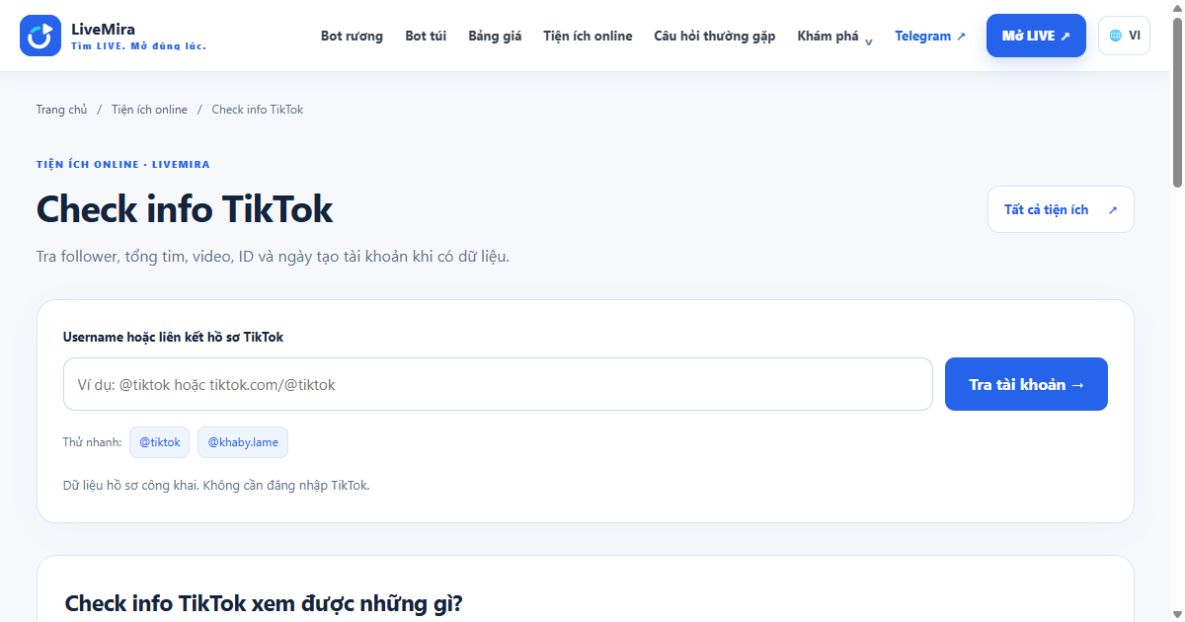
ONLINE TOOL · LIVEMIRA
All tools Check TikTok account info
Look up followers, likes, videos, IDs and the account creation date when available.
Quick try:
✓
Country / region—
Account language—
Engagement rate—
Hearts / follower—
Followers / following—
Videos per month—
Estimated from the profile's current numbers, for reference only.
- Creation date
- —
- Account age
- —
- Rename the most recent display
- —
- Change the most recent username
- —
- Video downloads
- —
- Duet / Stitch
- —
- Comments
- —
- Following list
- —
Tracking history
Recorded name changes
A snapshot is saved only when someone looks up this account, at least 6 hours apart.
User ID and SecUID
Check info What can you see on TikTok?
Enter a username or profile link to see followers, total likes, video count, account language, LIVE status, bio link, User ID and SecUID. The creation date appears only when the profile data provides it.
Is it possible to determine the country of account creation?
The country appears only when TikTok returns the account's region. TikTok's web profile usually does not disclose it, so the page shows “Not disclosed by TikTok” instead of guessing. Account language is the language chosen in the app, not the registration country.
Where does the tracking history come from?
Each time someone looks up an account, the page saves its followers, total hearts, video count and display name at that moment, at least 6 hours apart. The more often an account is looked up, the more detailed the chart becomes. The history contains only the account's public numbers and is not linked to the person who searched.
How is the engagement rate calculated?
The engagement rate is estimated as the average hearts per video divided by current followers. Below 1% is low, 1–3% is average, 3–10% is good and 10% or more is very high. It is a reference figure and does not reflect views or comments.
Why are the metrics different from the TikTok app?
Figures may change due to update time, privacy mode or display restrictions. The most recent results can be reused in up to 5 minutes.
QUICK START
How to use Check TikTok account info
- Paste a link or enter the username.
- Start the lookup and wait for the result.
- Review the result and copy the ID if needed.
Profile region does not confirm the country of registration. Missing information is shown clearly.